
IN ACTIVE DEVELOPMENT

Meet MOLDS before the public release.

Download the v0.85 preview installer, check its SHA-256, and run it as an administrator. Explore the interface and the latest notes below.

Windows 10 & Windows 11 (x64) Administrator access 5 interface languages
BEFORE INSTALLATION

What Setup needs and does

Windows 10 & Windows 11 (x64), an administrator account and the .NET 10 Desktop Runtime (x64). Setup installs MOLDS in C:\Program Files\MOLDS Tweaks Suite, adds a desktop and Start menu shortcut and lists it in Settings > Apps. Each of the 23 files is checked against molds-release.sha256. Uninstall removes the program and keeps your History, backups and licence.
VERIFY BEFORE YOU RUN

Check the SHA-256

The installer is not code-signed yet, so Windows SmartScreen may ask you to confirm. In PowerShell, this line must print the SHA-256 above:

Get-FileHash .\MOLDS-Setup-v0.85.exe -Algorithm SHA256
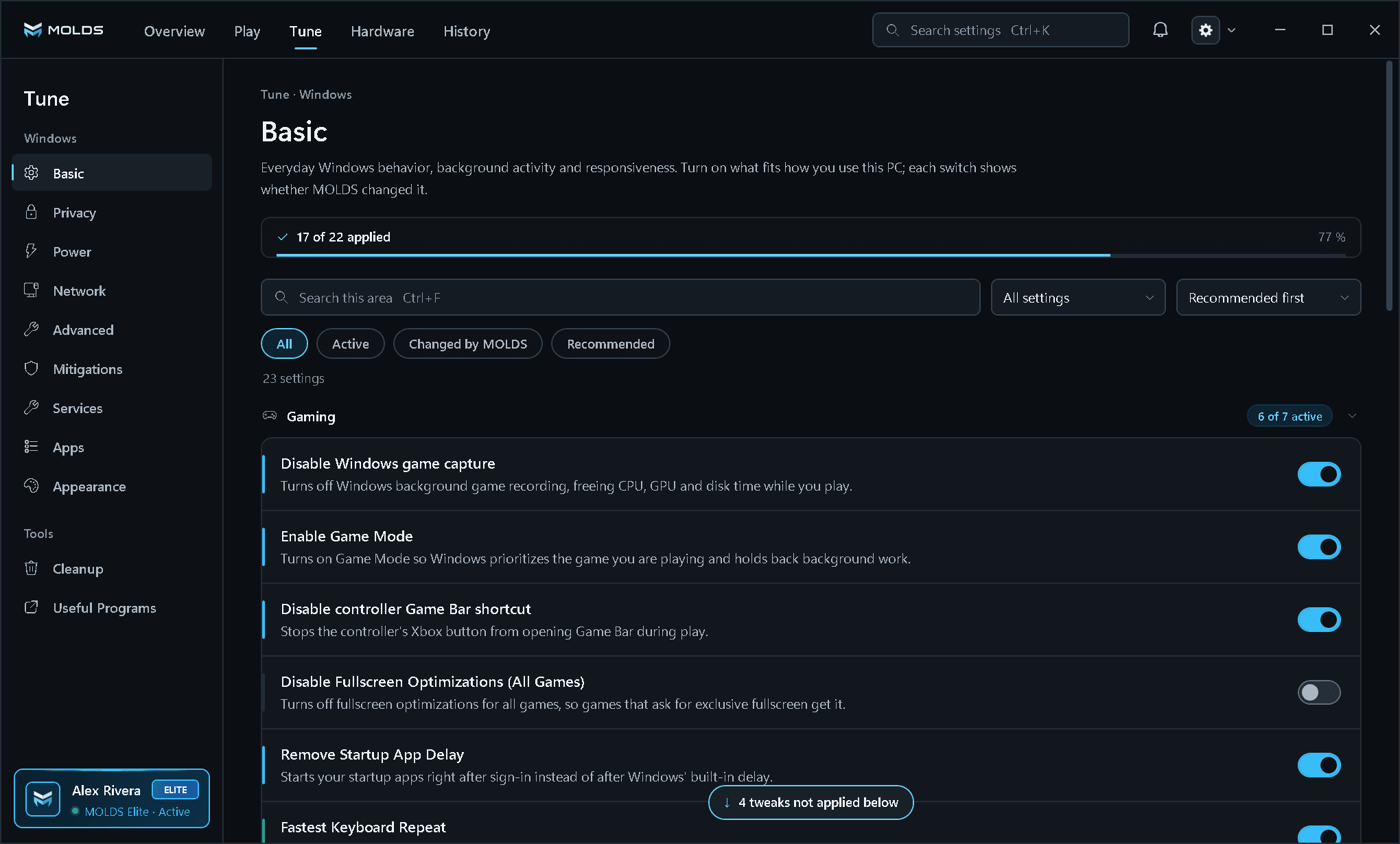
Tune · Basic v0.85
PRODUCT SCREENTune · Basic

Tune > Basic: the applied bar, the filters and a direct switch on every row. The account card at the bottom of the rail shows the plan. Pan the larger image to inspect the interface.

Open original file (opens in a new tab)
MOLDS Tune Basic page with a 17 of 22 applied bar, Gaming rows with direct switches and the MOLDS Elite account card
CURRENT PRODUCT

See the MOLDS interface available today.

The product tour shows ten screens of the v0.85 app: Overview, Play, Tune, Apps, Useful Programs, NVIDIA, CPU, BIOS, Account and Settings.

Explore all features