USAGE GUIDE
Change one setting at a time. Turn it off from the same switch.
Change one thing, test it, then keep it or turn it off. MOLDS keeps the original value for you.
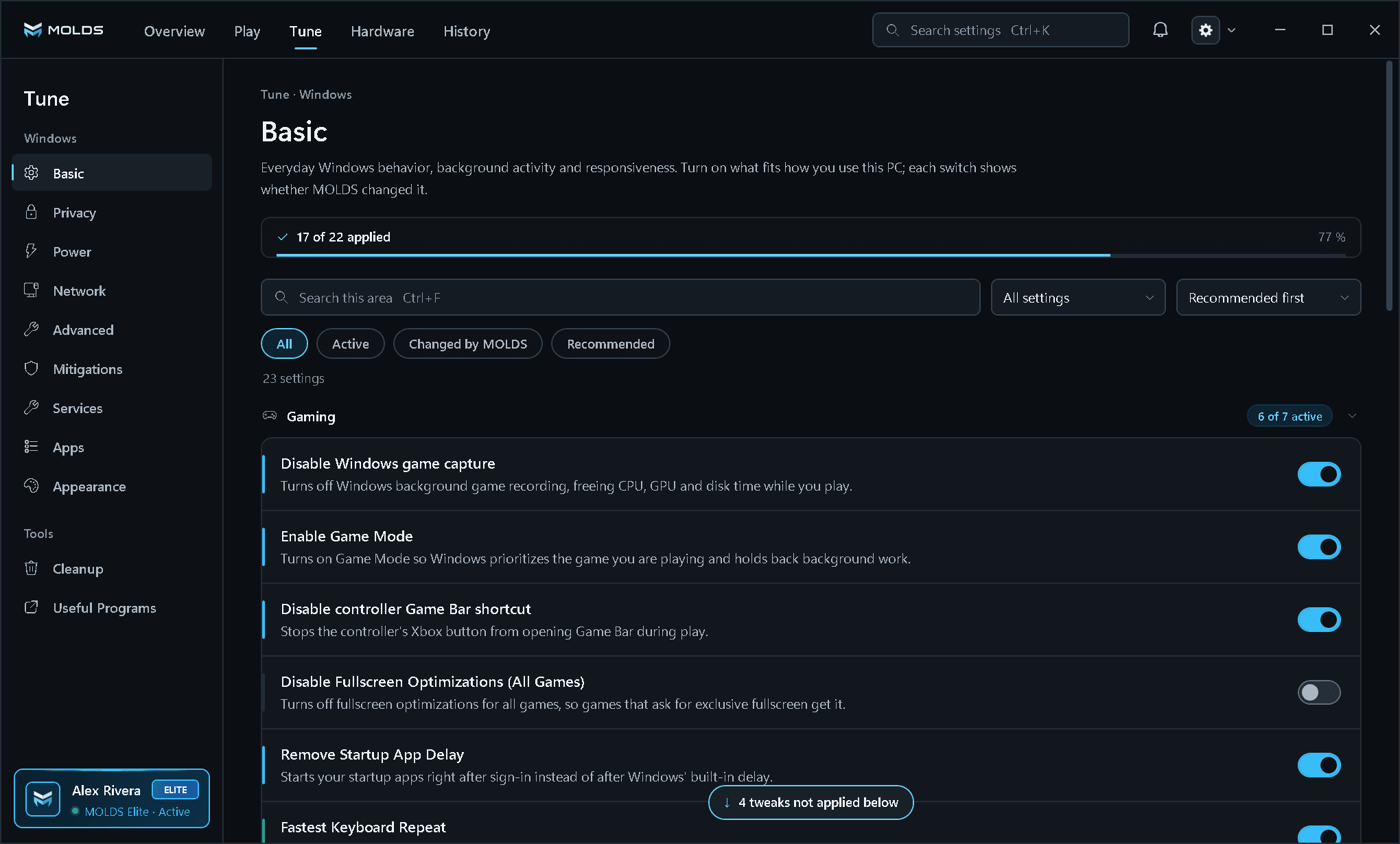
Read the row
Start with the action name, its purpose, and whether the switch is available for this system.
Change one setting at a time
Turn on the switch of the one tweak you want to try. MOLDS saves the original, applies the change and reads Windows back before the switch shows On.
Test the workload
Run the same game, app, or Windows task under the same conditions so you can compare a specific change.
Turn the same switch off
MOLDS returns that setting to the exact value it had before you enabled the tweak.
The previous value stays with the setting.ON and OFF remain part of the same control. You do not need to leave this row.
TUNE > BASIC
Each row says what it changes.
Rows are grouped by purpose, and each one has a short description next to its switch.
Clearly named sections One switch per action Short purpose descriptions